A multitasking terminal forAI agents
Run more AI agents, get more done. crystl for macOS keeps your projects organized, pings you when you're needed, and makes multitasking crystl clear.
stop chasing your agents . . .
- Are your eyes dry from reading scrollback, hunting for the one line that tells you what actually happened?
- Are your wrists numb from navigating windows and tabs?
- Are you never sure which agent is stuck, on task, or has decided to go rogue?
- Have you assigned an orchestrator, only to find five agents quietly stalled?
one crystl, to rule them all
- Anoint an orchestrator who actually monitors its workers and can read their terminals.
- Hand an agent party a questline, with levels they must complete to move on.
- Run agents in parallel across all your projects, each agent in its own git worktree.
And with auto-resume and persistent history, you can always pick up where you left off.
conduct an orchestra of agents
Every project is a gem, every terminal session a shard. crystl's cavrn terminal produces agent-readable metadata that agents can parse in real time. Session history is a searchable database saved to your machine.
run more agents at once
parallel in separate worktrees
Run a fleet of agents on the same repo at once. Each isolated shard gets its own git worktree and branch, and off-screen shards throttle to near-zero render work, so scaling from two agents to a dozen stays light on your Mac.
agent orchestration
Spawn numerous agents across projects: Claude Code, Codex, and more. Anoint an orchestrator to manage subagents (guild only), or launch an adventure party with crystl quest.
crystl quest
Assemble a roundtable of role-played agents in a shared chat. They divide the work, debate the approach, and report back. Multi-agent orchestration you can actually follow.
hero shards
Summon a single hero as a shard: a solo specialist with its own agent, model, and persona. The right expert for the task in front of you, one click away.
they come to you
action panels
Approval requests, questions, and notifications float on screen as glass panels, color-coded by gem. Spot what needs you and respond without hunting through a wall of terminal windows.
workbench
Keep a shared task list in every project, backed by a plain WORKBENCH.md. You and the agent see the same list. It checks items off and adds what it finds as it goes.
token tracking
crystl counts the tokens every turn burns and projects how many you have left. Open the panel to see what each plugin and skill costs, and disable the heavy ones to stretch your context further.
crystl on iphone
Your whole roster in your pocket. Monitor which agents need input, approve access, answer questions, and spawn new agents. Free over Wi-Fi; connect from anywhere via encrypted relay on Guild. Now on the App Store.
built on a real terminal
cavrn
The terminal as structured data. crystl's engine captures every turn, tool call, result, and table as agent-readable metadata, so agents can read each other's sessions, not just watch them. Drawn fast on the GPU with Metal.
open models
Run open models on your hardware or through a managed host. Set them up once, orchestrate them alongside frontier agents, and save on tokens.
remote development
SSH into any machine and keep every crystl feature working. Approval panels, file drag-and-drop, and click-to-open all flow through the tunnel automatically.
agent-callable CLI
guild membershipA built-in crystl CLI lets you (and agents themselves) spawn shards, read terminals, and handle approvals from any shell. Orchestrator agents fan work out across projects without ever touching the GUI.
project optimizer
Scan any project for gaps in agent configuration (missing files, thin docs, oversized code) and fix each one with a single click.
crystl on your iPhone
Spend less time at your desk while your agents stay busy. crystl for iOS puts all your projects in your pocket: see who needs input, approve access, and spawn new agents from anywhere.


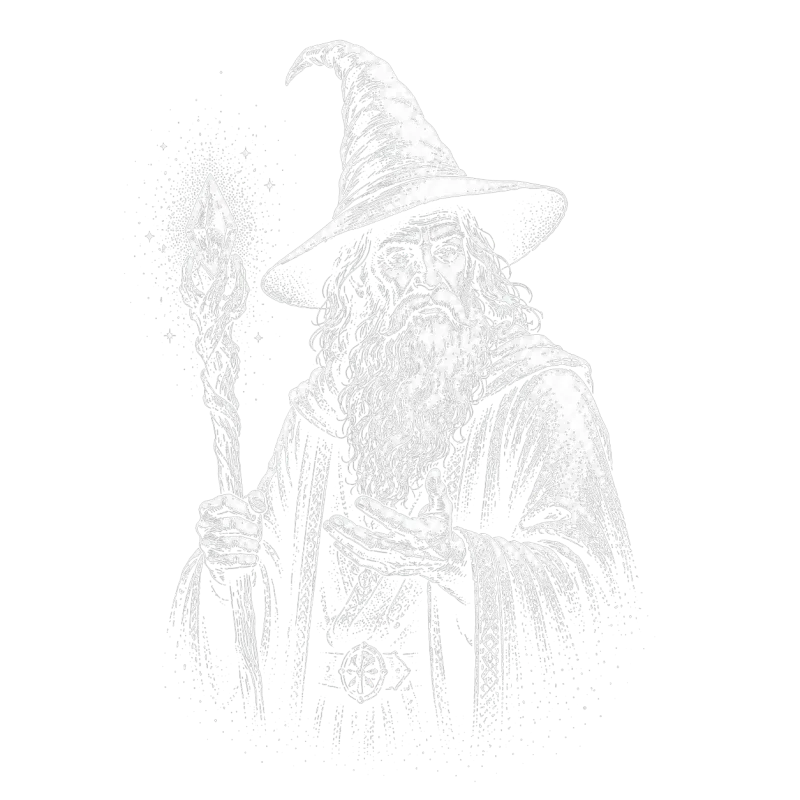
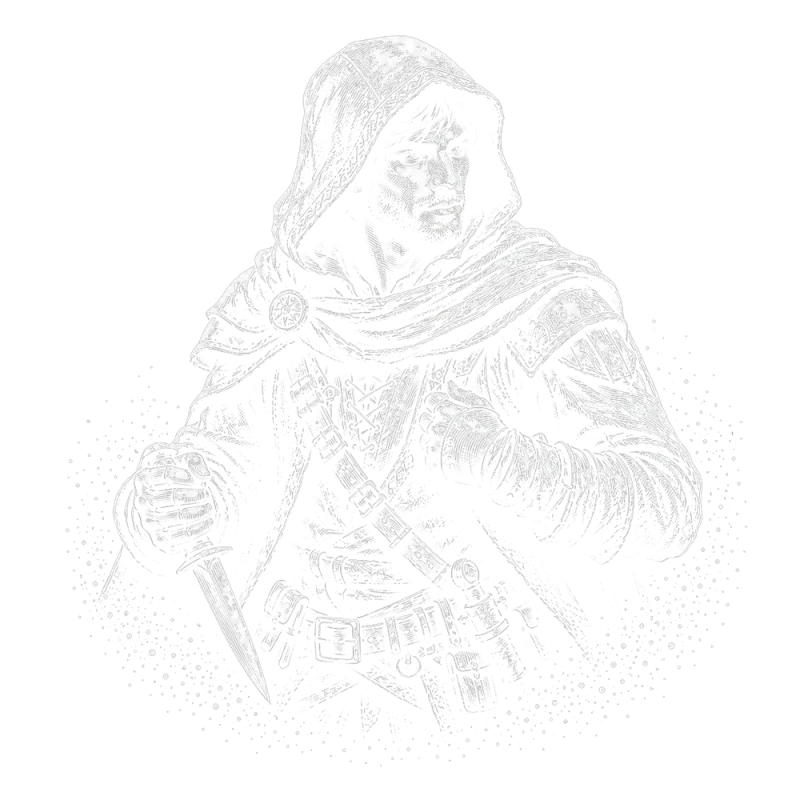
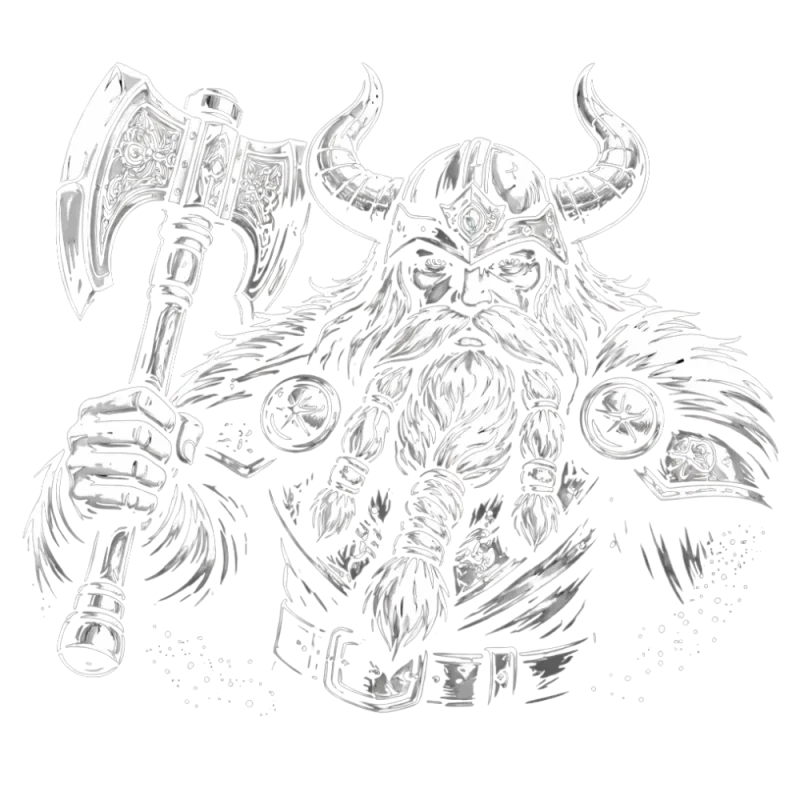
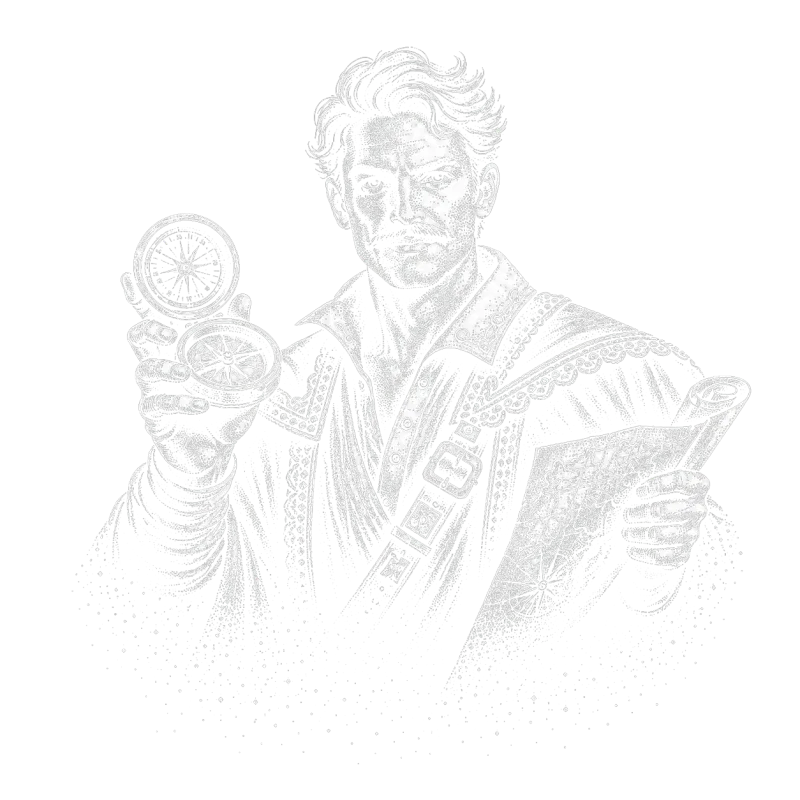
crystl quest
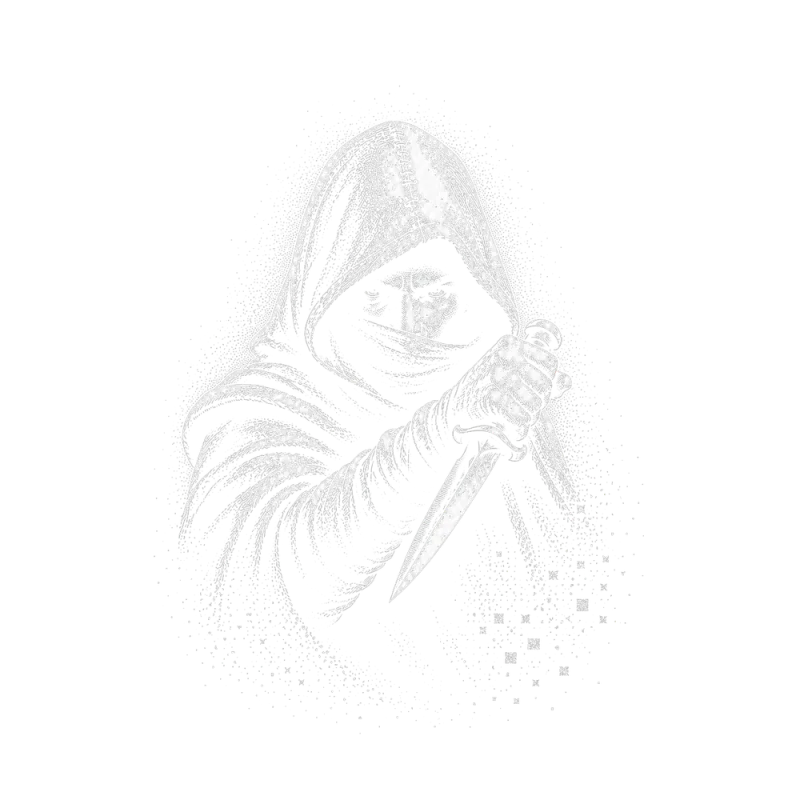
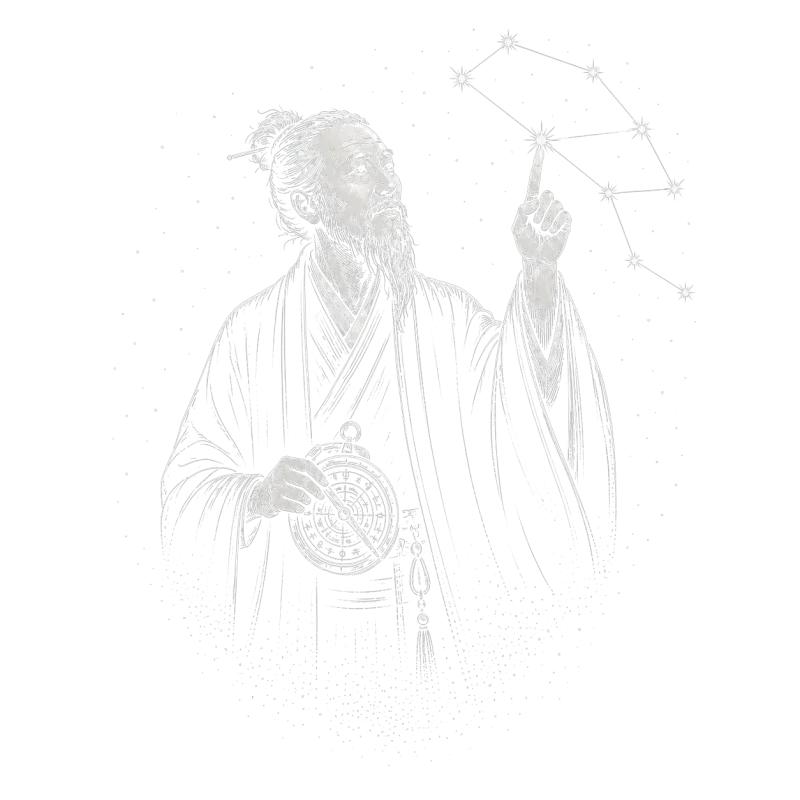
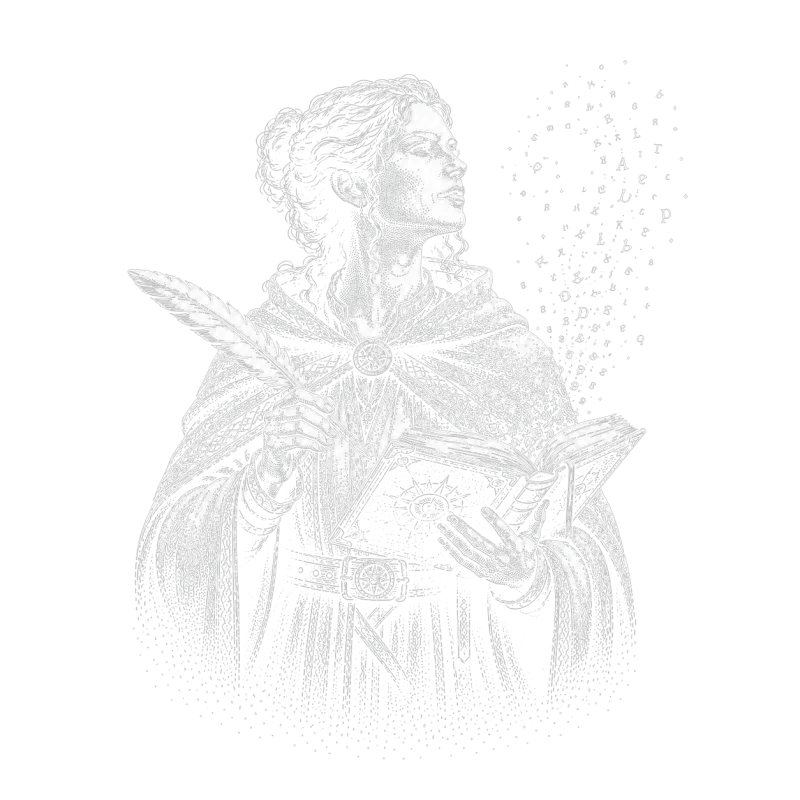
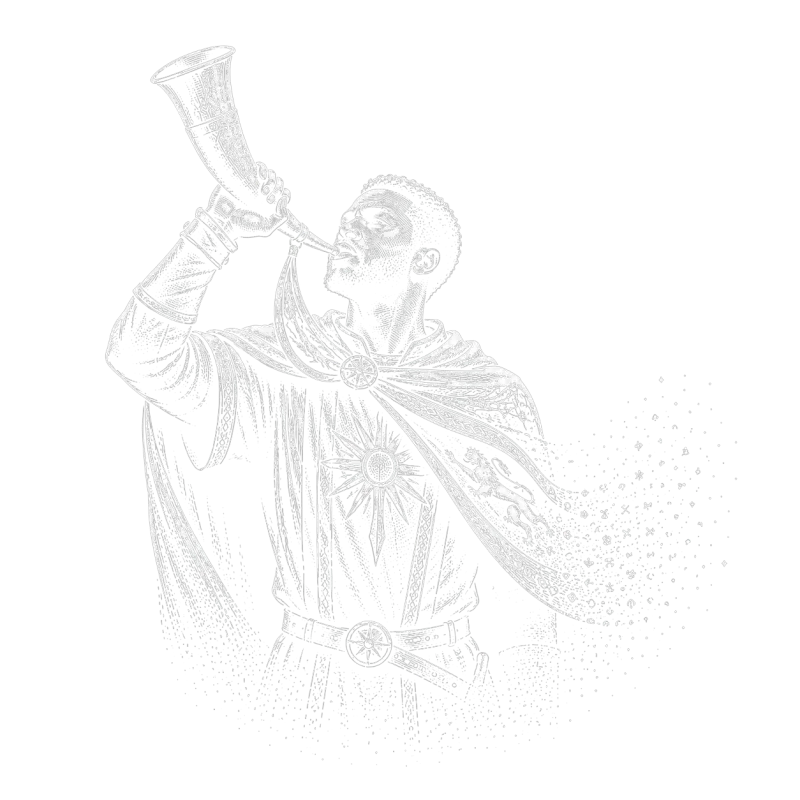
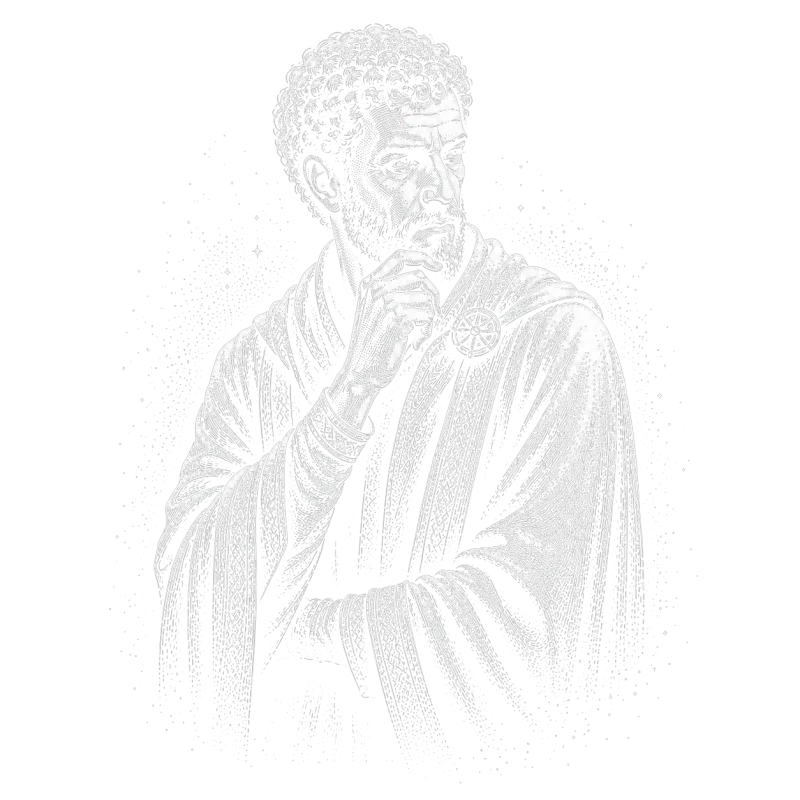
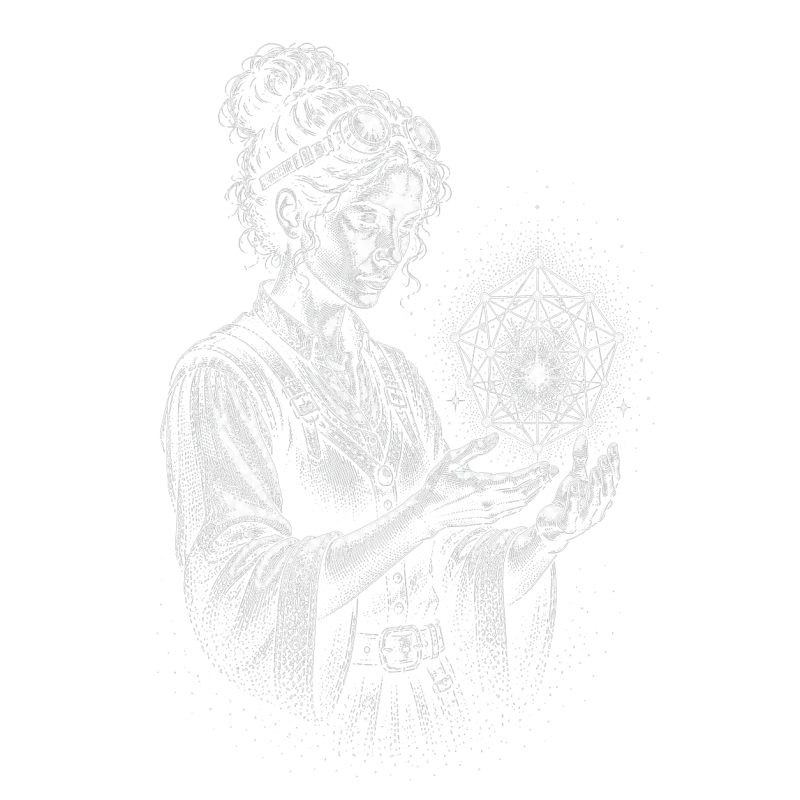
Assemble a party of specialized agents. Each brings unique skills, coordinates in shared chat, and executes in parallel, without stepping on each other's toes.
choose your heroes
 ✦✦✦✦
✦✦✦✦ ✦✦✦✦
✦✦✦✦ ✦✦✦✦
✦✦✦✦ ✦✦✦✦
✦✦✦✦ ✦✦✦✦
✦✦✦✦ ✦✦✦✦
✦✦✦✦ ✦✦✦✦
✦✦✦✦ ✦✦✦✦
✦✦✦✦ ✦✦✦✦
✦✦✦✦ ✦✦✦✦
✦✦✦✦ ✦✦✦✦
✦✦✦✦ ✦✦✦✦
✦✦✦✦ ✦✦✦✦
✦✦✦✦ ✦✦✦✦
✦✦✦✦ ✦✦✦✦
✦✦✦✦ ✦✦✦✦
✦✦✦✦ ✦✦✦✦
✦✦✦✦ ✦✦✦✦
✦✦✦✦ ✦✦✦✦
✦✦✦✦ ✦✦✦✦
✦✦✦✦ ✦✦✦✦
✦✦✦✦ ✦✦✦✦
✦✦✦✦ ✦✦✦✦
✦✦✦✦ ✦✦✦✦
✦✦✦✦ ✦✦✦✦
✦✦✦✦ ✦✦✦✦
✦✦✦✦ ✦✦✦✦
✦✦✦✦ ✦✦✦✦
✦✦✦✦ ✦✦✦✦
✦✦✦✦ ✦✦✦✦
✦✦✦✦ ✦✦✦✦
✦✦✦✦ ✦✦✦✦
✦✦✦✦ ✦✦✦✦
✦✦✦✦Works with worktree isolation or shared directories. You command the party.
Your adventure awaits . . .
View plans & pricingFrequently asked questions
- What is a multitasking terminal for AI agents?
- It's a terminal that lets you handle many different tasks and agents at once without getting lost in tabs and windows. crystl solves this in several ways. Every project is discoverable by name and a custom colored icon, and a dockside rail keeps them all in one place: click an icon and that project comes forward. Agentic hooks surface 'action panels' for approvals, questions, and notifications that you can act on by clicking a button or typing a reply, without switching to that project at all. Orchestration makes multitasking easier still: assign an orchestrator agent to run subagents, or launch crystl quest to spawn a preselected party of agents that collaborate on a task together. And a per-project workbench keeps a shared task list your agents read and write alongside you, so nothing falls through the cracks.
- Does crystl only work with Claude Code?
- No. Any CLI agent runs in crystl, since every shard is a full terminal session. The deeper integrations depend on what each agent exposes: Claude Code has the deepest integration, and Codex supports hooks too, so approval panels and notifications work for both. Antigravity CLI doesn't support hooks yet, so those features aren't available for Antigravity sessions, but everything else works.
- Can I use crystl for regular terminal work?
- Yes. Every shard is a full terminal session. You can use crystl as your daily terminal for any command-line work: git, npm, docker, ssh, whatever you need. The AI-specific features are there when you want them.
- What is the CLAUDE.md manager?
- crystl lets you store and name different CLAUDE.md starter files. When you open a project, you can insert the right starter file into the directory, useful if you maintain different instruction sets for different types of work.
- Why did my new shard open in a different directory than my last one?
- Every shard starts at its gem's project directory. Running cd in one shard only moves that shard; the next shard you create still starts at the gem root, so a project's shards stay predictable no matter where any one of them has wandered. crystl prints a hint in the new shard when this happens. If you do want a shard to start where you are, right-click (or control-click) the shard button. And if you start an agent in a sub-project (a git repo inside your gem), crystl offers to open that folder as its own gem, a suggestion you can always dismiss.
- Where did the isolation button go?
- Its jobs moved closer to the things they act on. Creating an isolated shard now happens with the isolated-shard button in the shard bar (or the File menu). Merging and rebasing live on each shard's tab: a shard with unmerged commits shows a small ↑N badge you can click, and every action names the branch, target, and commit count so you know exactly what will move. A 'branches' button appears in the shard bar only when orphaned worktree branches exist, listing parked work from closed shards so you can reattach, merge, or discard it.
- Is crystl free?
- The free plan includes isolated shards & parallel sessions, action panels, the agent activity panel, split view, history navigator, token tracking, workbench, project optimizer, agent file editor, screenshot & copy bars, MCP servers, API key storage, remote development over SSH, Metal-accelerated GPU rendering, and facet inserts. The Guild plan ($170/year) adds the Prompt Library integration, formations (with session restore), CLI orchestration, agent scheduling, and priority support.
- Does crystl work on Linux or Windows?
- crystl is macOS only. It's a native Swift app and it uses macOS-specific features like the Keychain for secure API key storage.
Latest from the blog
The best AI agent orchestration tools for coding in 2026
A comparison of the tools that run multiple AI coding agents at once: Conductor, Vibe Kanban, Claude Squad, crystl, Cursor cloud agents, Sculptor, and doing it by hand with tmux and git worktrees.
Agent communication protocols: A2A, ACP, and MCP
A reference on the agent communication protocols people actually mean: A2A for agent to agent, MCP for agent to tool, and the two different things called ACP. What each one is, who governs it, and where the confusion comes from.
Running an agent team in tmux
A pane per role, send-keys to dispatch, a shared file as the channel, and a polling loop for idle. The real wiring for a tmux agent team, and the four guarantees it doesn't have.
