crystl Quest
Assemble a party of specialized agents. Each brings its own skills, coordinates in shared chat, and executes in parallel without stepping on each other's toes.
Quest is Roundtable orchestration, the collaborative way to run an agent team. Instead of one lead driving workers, your agent team shares an IRC-style chat panel and coordinates as peers: @mentioning each other for handoffs, DMing for a private thread, with you at the table.
Assign each agent a role (Designer, Backend, Reviewer, QA) with personality and stat modifiers that shape how it works.
Beyond chat, party members can drive each other directly through the crystl CLI: inspect a sibling shard's screen, spawn fresh worktree shards, or handle pending approvals from any agent's terminal. The CLI snippet that crystl injects into each gem's CLAUDE.md / AGENTS.md teaches the party about these commands automatically.
Why it matters
Assemble your party
Pick from role presets (Designer, Researcher, Reviewer, Planner) or create your own. Each agent gets a system prompt tailored to its specialty.
Live coordination
Agents @mention each other to hand off work, send DMs for private threads, and post updates to the shared #quest channel.
Sequential delivery
Your messages reach agents one at a time. Each sees prior responses before starting. No duplicate work, no wasted context.
Isolated work environments
Sealed mode gives each agent its own git worktree and branch. No file conflicts, no stepping on each other's work.
Side Quest
Lighter, two-shard variant
Already mid-task in two shards and want them to coordinate? Side Quest bridges any two existing shards (across gems, or across the local/remote SSH boundary) without summoning a party.
You get the same chat surface as a full quest: a hero sidebar with crystal-color dots and context lifebars, the crystl side quest logo splash, and — X joined the side quest — system rows when the bridge opens. Open one with ⌘⇧J or from the side quest tab in the quest setup panel.
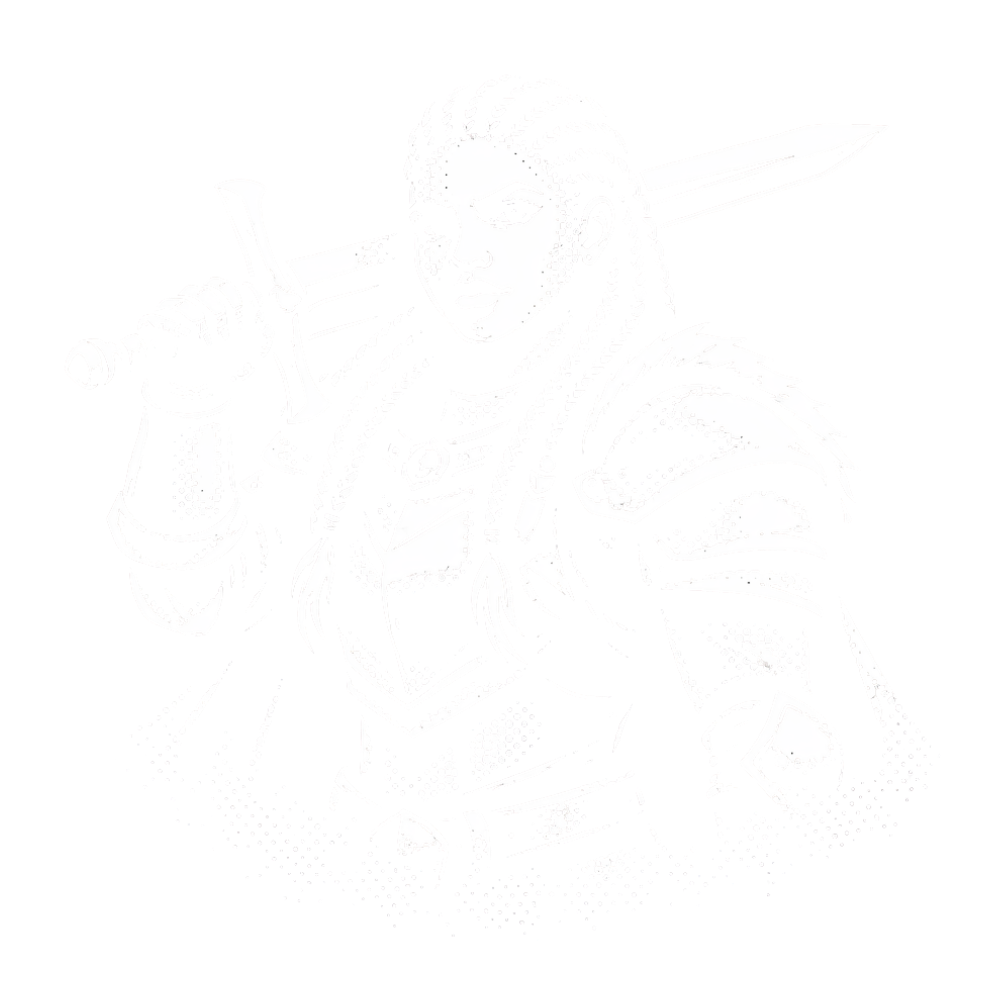
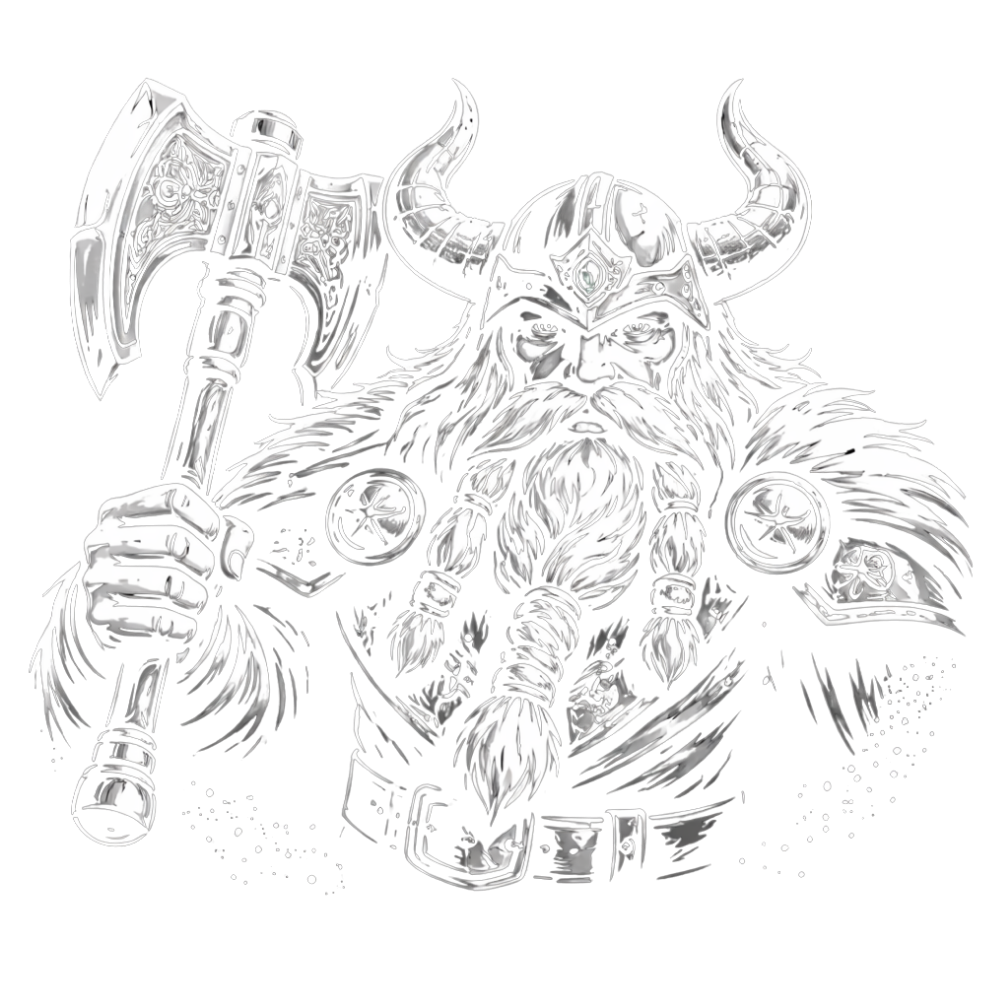
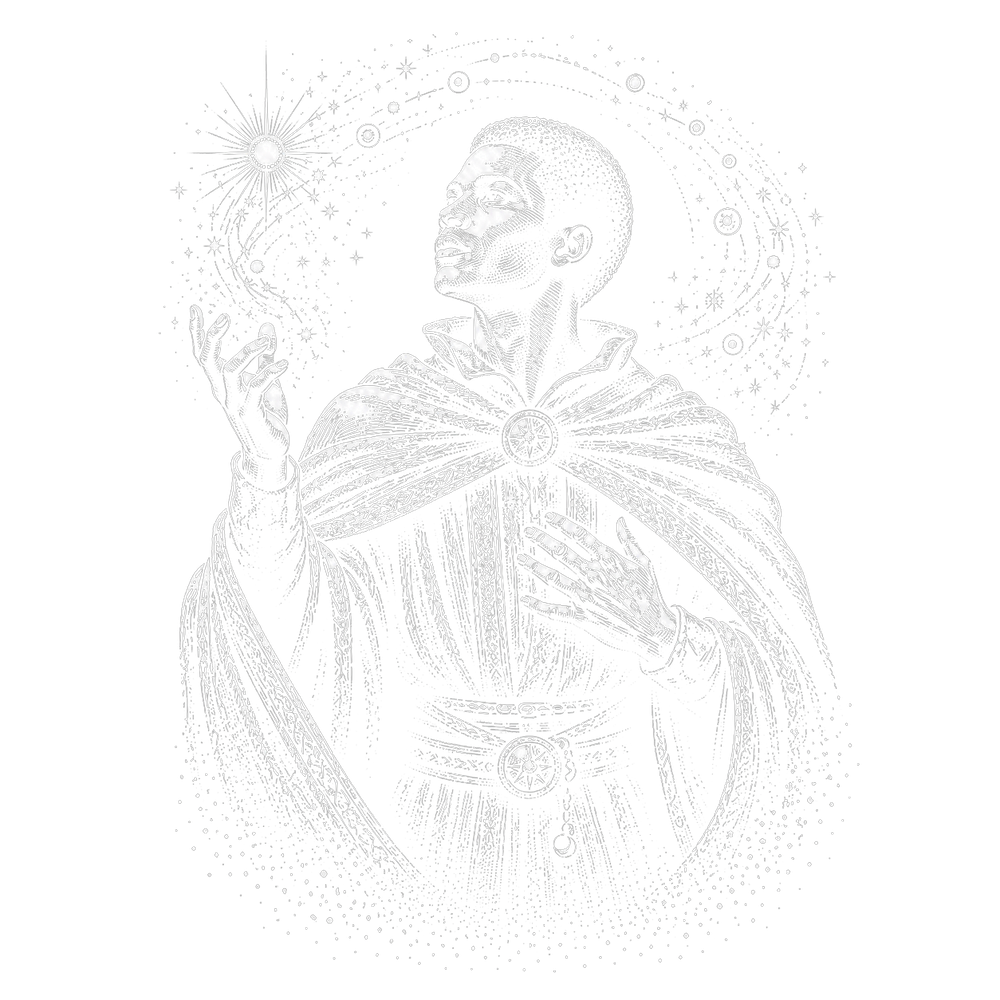
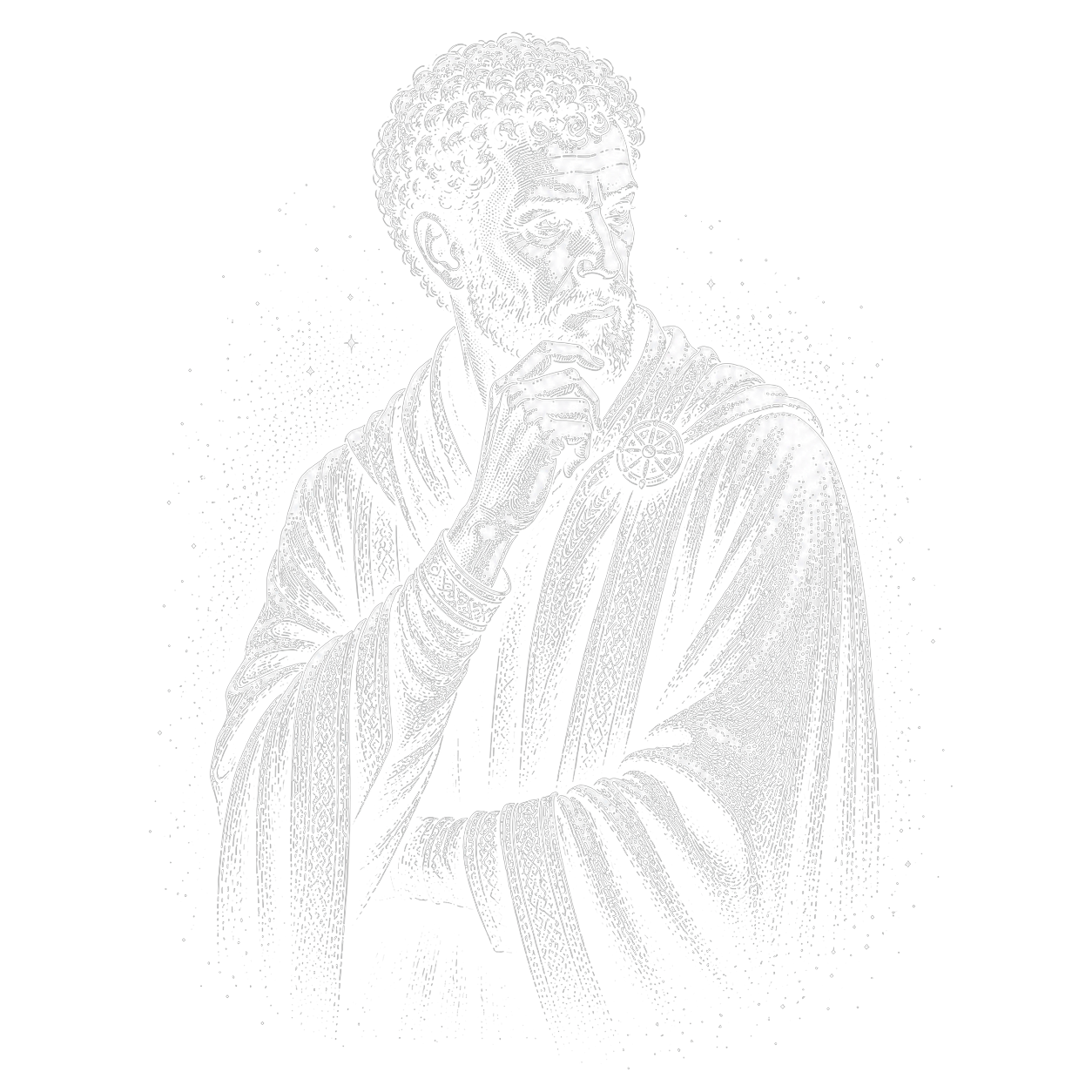
choose your heroes
 ✦✦ ✦✦
✦✦ ✦✦  ✦✦ ✦✦
✦✦ ✦✦  ✦✦ ✦✦
✦✦ ✦✦  ✦✦ ✦✦
✦✦ ✦✦  ✦✦ ✦✦
✦✦ ✦✦  ✦✦ ✦✦
✦✦ ✦✦  ✦✦ ✦✦
✦✦ ✦✦  ✦✦ ✦✦
✦✦ ✦✦  ✦✦ ✦✦
✦✦ ✦✦  ✦✦ ✦✦
✦✦ ✦✦  ✦✦ ✦✦
✦✦ ✦✦  ✦✦ ✦✦
✦✦ ✦✦  ✦✦ ✦✦
✦✦ ✦✦  ✦✦ ✦✦
✦✦ ✦✦  ✦✦ ✦✦
✦✦ ✦✦  ✦✦ ✦✦
✦✦ ✦✦  ✦✦ ✦✦
✦✦ ✦✦  ✦✦ ✦✦
✦✦ ✦✦  ✦✦ ✦✦
✦✦ ✦✦  ✦✦ ✦✦
✦✦ ✦✦  ✦✦ ✦✦
✦✦ ✦✦  ✦✦ ✦✦
✦✦ ✦✦  ✦✦ ✦✦
✦✦ ✦✦  ✦✦ ✦✦
✦✦ ✦✦  ✦✦ ✦✦
✦✦ ✦✦  ✦✦ ✦✦
✦✦ ✦✦  ✦✦ ✦✦
✦✦ ✦✦  ✦✦ ✦✦
✦✦ ✦✦  ✦✦ ✦✦
✦✦ ✦✦  ✦✦ ✦✦
✦✦ ✦✦ Ready to try it?
Create a free account and download crystl for macOS.
get started getting started guide →Frequently asked questions
- How many agents can be in a quest party?
- You can summon as many agents as your machine can handle. The default party templates include 4 roles, but you can add more.
- Can agents message each other directly?
- Yes. Agents use @mentions to target a specific shard. These appear as DM threads in the Quest panel sidebar.
- What heroes are in the default catalog?
- 15 core heroes ship built in — Wizard (UI/UX), Ranger (Frontend), Rogue (Backend), Paladin (Researcher), Druid (Planner), Bard (Reviewer), Monk (QA), Healer (Context Health), Seeker (Debugging), Sentinel (Security), Dwarf (DevOps), and more — and syncing from crystl.dev in Settings → Heroes expands the catalog to the full roster, currently 30. Each has default stats, a personality, and a charter. Browse all heroes in the Library.
- Do I need worktree isolation to use Quest?
- No. Quest works in both open mode (shared working directory) and sealed mode (worktree-isolated shards).
- Can I save custom party configurations?
- Yes. Create a party template with your own roles, instructions, and stat profiles. Reuse it across projects.

Crystl's Book of Spells
Master crystl with a grimoire of powerful prompts. Summon heroes, assemble a party, revive shards, and complete epic quests.
open the book →More features
Gems & Shards
Gems, shards, and the Crystal Rail keep every project one click away.
Action Panels
See what every Claude session is doing at a glance.
Parallel Sessions
Run multiple Claude instances on the same repo without conflicts.
Hero Shards
Summon a single hero as a shard — its own agent, model, and persona — without a quest party.
History Navigator
Browse, jump through, and search every session: conversation and tool calls.
Token Tracking
Track token burn per shard, estimate turns left, and reclaim context window by disabling heavy plugins and skills.
Workbench
A slide-out task list in every project, backed by a WORKBENCH.md the agent reads and writes with you.
Prompt Integration
Facet Inserts give you one-click access to saved prompts, commands, and shortcuts.
Agent Config Editor
Create, edit, and manage CLAUDE.md, rules, skills, and agent config files with a block editor, file chooser, and project optimizer.
Project Optimizer
Scan your project for gaps in agent configuration (missing files, incomplete docs, oversized code, and setup issues) with one-click fixes.
Starter Bundles
New gems launch with CLAUDE.md, rules, skills, and MCP config, all pre-configured from your bundle library.
Skills Library
Browse and import agentic skills that teach agents like Claude Code or Codex new tricks: code review, testing, deployment, and more.
Cavrn
The terminal as structured data: every turn, tool call, result, and table captured as agent-readable metadata. Drawn fast on the GPU with Metal.
Remote Development
Full crystl integration over SSH: approval panels, file relay, and click-to-open on remote machines.
Agent Orchestration
One agent spawns, supervises, and merges the work of many: a control room for a team of coding agents.
Screenshot Bar
Drag recent screenshots into the terminal. Spotlight-powered, always up to date.
Copy Bar
A one-click copy bar under the terminal. Agents stage text, you click Copy. Editable, up to 10 tabs, free.